
Clean your PC with confidence
Professional-grade system cleanup and diagnostics for Windows. Remove clutter, protect privacy, and optimize performance — all with complete transparency.
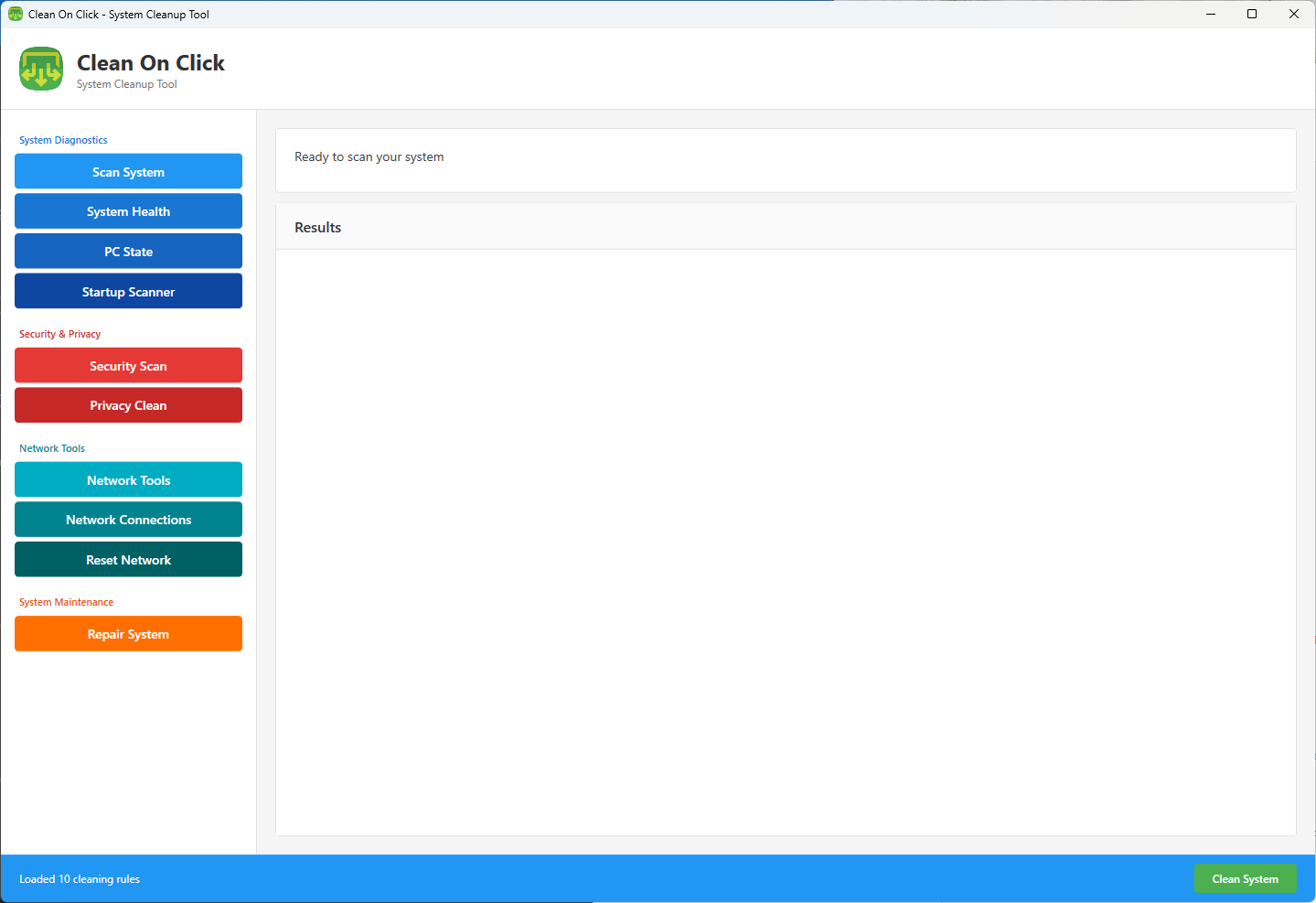
Everything you need to maintain your PC
Powerful tools designed for clarity, control, and peace of mind
System Diagnostics
Get detailed insights into your system's health with structured, easy-to-read diagnostic reports.
Security & Privacy
Scan for suspicious startup items and remove privacy traces without hidden actions or surprises.
Network Tools
Diagnose connection issues and reset network settings with professional-grade utilities.
Deep Cleanup
Remove temporary files, caches, and system clutter to reclaim valuable disk space.
Performance Optimization
Identify and disable resource-heavy startup programs to speed up boot times.
Clear Results
Every action shows exactly what was found and what changed — no mystery optimizations.
Organized by purpose
Each module is designed for specific maintenance tasks
System Analysis
- Full system scan
- Health monitoring
- PC state overview
- Startup analyzer
Security & Privacy
- Security scanning
- Privacy cleanup
- Trace removal
- Transparent reporting
Network & Repair
- Network diagnostics
- Connection viewer
- Network reset
- System repair tools
Ready to clean up your PC?
Download CleanOnClick for Windows 10/11. Free, lightweight, and built by Tech Revamp, LLC.